Cloud platforms for cloud stacking
CloudStackly lists the publishing adapters available in its application. A platform can be used in a campaign only when the workspace has the required credentials and permissions and its connection check succeeds.
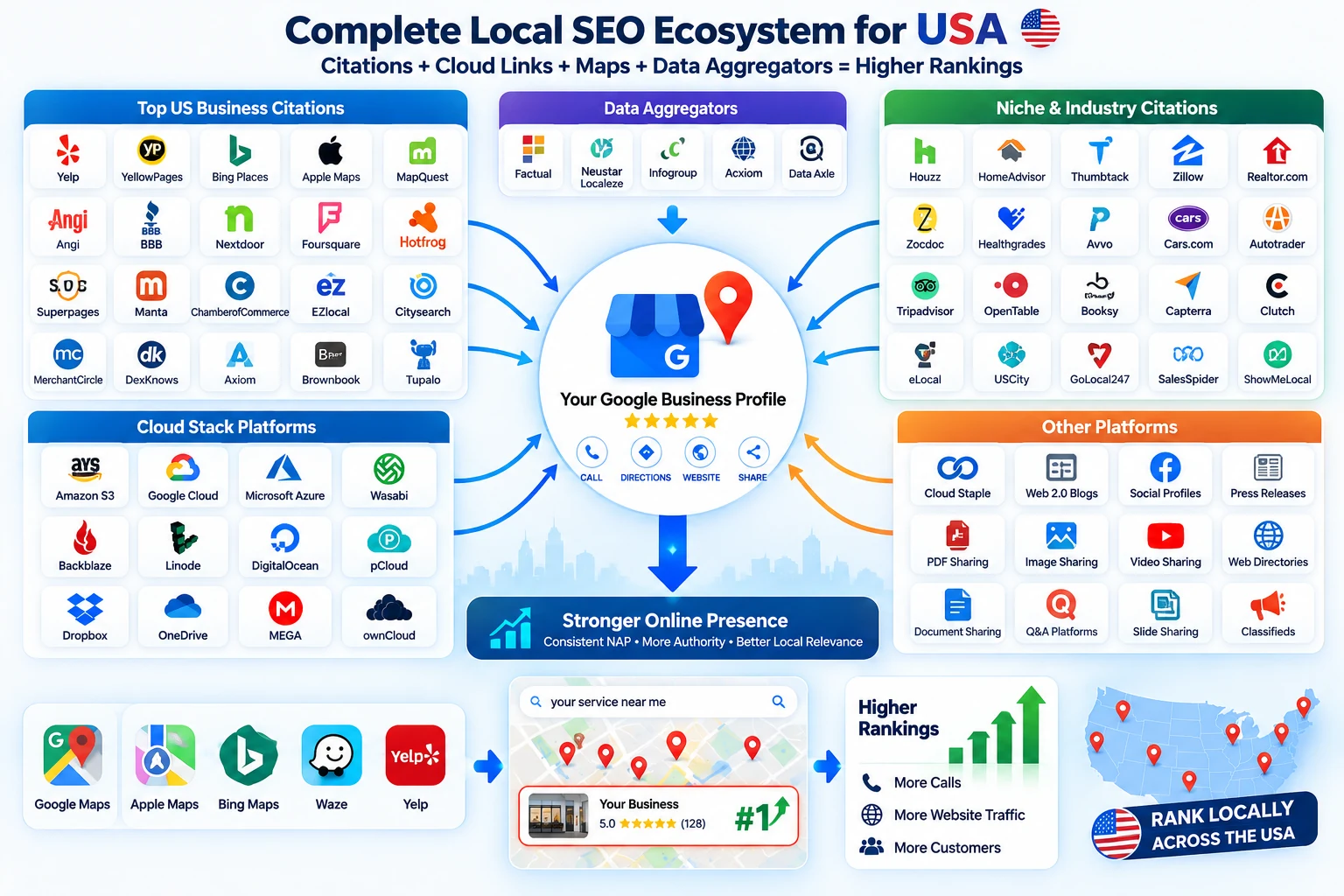
Current adapter directory
- Azure Static WebsiteAdapter available · verify connection in workspace
- AWS Amplify HostingAdapter available · verify connection in workspace
- Backblaze B2Adapter available · verify connection in workspace
- BloggerAdapter available · verify connection in workspace
- Bunny CDNAdapter available · verify connection in workspace
- Cloudflare PagesAdapter available · verify connection in workspace
- Cloudflare R2Adapter available · verify connection in workspace
- Deno DeployAdapter available · verify connection in workspace
- DigitalOcean App PlatformAdapter available · verify connection in workspace
- DigitalOcean SpacesAdapter available · verify connection in workspace
- Firebase HostingAdapter available · verify connection in workspace
- GitHub PagesAdapter available · verify connection in workspace
- GitLab PagesAdapter available · verify connection in workspace
- NeocitiesAdapter available · verify connection in workspace
- Google Cloud StorageAdapter available · verify connection in workspace
- Linode Object StorageAdapter available · verify connection in workspace
- NetlifyAdapter available · verify connection in workspace
- Oracle Cloud Object StorageAdapter available · verify connection in workspace
- TumblrAdapter available · verify connection in workspace
- VercelAdapter available · verify connection in workspace
- WordPress.comAdapter available · verify connection in workspace
Check before you plan
An adapter being listed does not mean every workspace has authorized credentials or that every deployment will succeed. Use the platform health view to check the connection and review the campaign’s result after publishing. Account-level visibility, billing, domain and permission settings can affect a destination.
Credentials and security
Publishing credentials belong in the server-side environment or the secure workspace connection flow. Never paste access tokens, private keys or refresh tokens into article content, reports or support messages.
Publication verification has limits
The application checks that a published URL is reachable and records provider status. It does not certify third-party indexing, permanence, editorial quality or ranking outcomes. Review each live URL and the recorded link destination in the campaign report.