Which cloud platforms work best for cloud stacking?
Updated
The best cloud stacking platforms let you publish your own HTML on a trusted domain, keep pages live long-term and let search engines crawl them. A strong campaign mixes three types: object storage, static site hosts and blogging platforms.
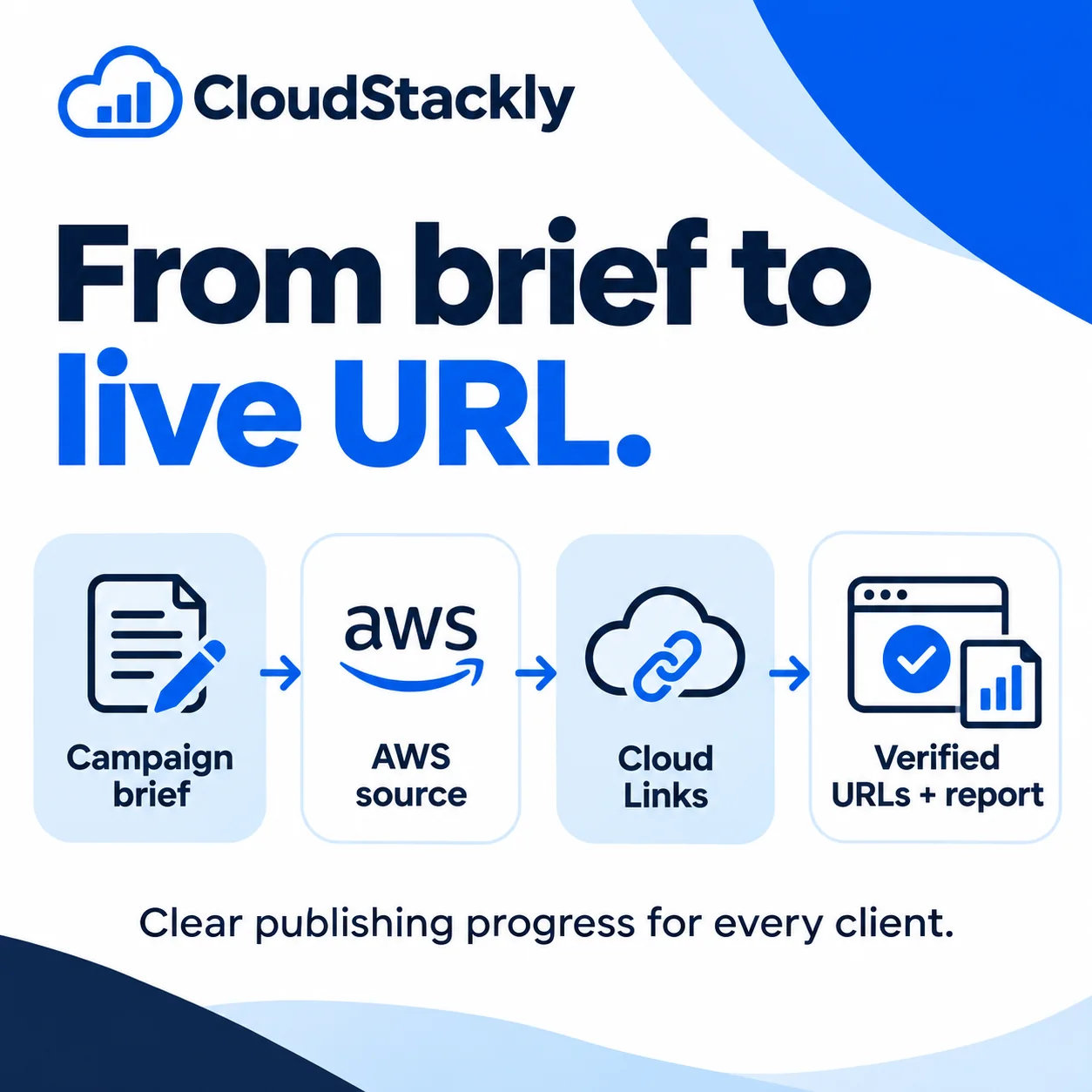
What makes a good cloud stacking platform
- HTML control. You can publish a full page with your own title, headings, links and structured data.
- A clean public URL. Short, readable URLs on a known domain are easier to share and crawl than long storage paths.
- Crawlability. No login wall, no robots block, no “preview only” protection on the URL you publish.
- Permanence. The page stays live as long as the account does. Free tiers and inactivity rules can remove pages.
- Clear terms. Every platform has acceptable-use rules. An informational article about a real business is very different from spam or a storefront.
The three types of platform
| Type | Examples | Strengths | Watch out for |
|---|---|---|---|
| Object storage | AWS S3, Google Cloud Storage, Azure Static Website, Backblaze B2, Cloudflare R2, DigitalOcean Spaces, Linode, Oracle Cloud | Very well-known domains, full HTML control | Long bucket URLs; files must be set public; some need a static-website setting |
| Static site hosts | Cloudflare Pages, GitHub Pages, GitLab Pages, Netlify, Vercel, Firebase Hosting, Deno Deploy, AWS Amplify, DigitalOcean App Platform, Bunny CDN, Neocities | Clean subdomain URLs, fast pages, easy updates | Preview or password protection on some hosts; GitHub Pages is not for running a commercial store |
| Blogging platforms | Blogger, Tumblr, WordPress.com | Built-in feeds and communities, simple publishing | Stricter content rules; less control over the page’s code |
How to mix platforms in one campaign
Spread the articles across all three types rather than putting many on one host. A practical mix for a 15-page campaign:
- 5 object-storage pages (for example AWS S3, Google Cloud Storage, Azure, Backblaze B2, Cloudflare R2)
- 7 static-host pages (for example Cloudflare Pages, GitHub Pages, Netlify, Vercel, Firebase, Deno Deploy, Neocities)
- 3 blog posts (Blogger, Tumblr, WordPress.com)
Each page gets its own article. Variety of platform, topic and wording matters more than the total number of pages.
Platform-by-platform notes
- AWS S3 and Google Cloud Storage: the classic cloud stacking hosts. Enable public read and, on S3, static website hosting so links and index pages behave like a normal site.
- Azure Static Website: serves from a storage account’s $web container with its own web endpoint.
- Cloudflare Pages and Netlify: clean subdomain URLs and fast global delivery. Check that no access protection is switched on.
- Vercel: production URLs are public, but deployment protection can put preview URLs behind a login. Publish to the production URL.
- GitHub Pages and GitLab Pages: pages publish from a repository on a github.io or gitlab.io subdomain. Read their terms on commercial use.
- Blogger, Tumblr and WordPress.com: easy to publish, with their own rules on content and links. Write for readers, not for links.
Check every page after publishing
Whatever the platform, the job is not finished until the page is confirmed live, the links point to the right targets and you have checked whether Google indexed it. Record all three for the client.
Frequently asked questions
What is the best platform for cloud stacking?
There is no single best platform. Strong campaigns mix object storage (such as AWS S3 and Google Cloud Storage), static site hosts (such as Cloudflare Pages and GitHub Pages) and blogging platforms (such as Blogger and WordPress.com).
Is AWS still used for cloud stacking?
Yes. AWS S3 remains one of the most common cloud stacking hosts because it allows full HTML control on a well-known domain. Make the files public and enable static website hosting.
Do free hosting platforms work for cloud stacking?
Many platforms used in cloud stacking have free tiers. Check each platform’s inactivity and content rules, because pages removed later stop passing any value.
How many cloud platforms does CloudStackly support?
CloudStackly has publishing adapters for more than 20 platforms, listed on its supported platforms page. A platform can be used once its connection is ready in the workspace.